
_edited.png)
Thursday Quick Tip: Perfect Mitered Binding Corners Every Time
You've spent hours piecing and quilting your project, and now you're on the final step—binding. A beautifully finished corner is one of those little details that gives your quilt a polished, professional look.
The good news? Mitered corners aren't difficult once you understand the process. It just takes slowing down for a few seconds at each corner.
Step 1
Sew the binding until you're ¼ inch from the edge of the quilt.
Backstitch and remove the quilt from the machine.
This stopping point creates the space needed for the binding to fold neatly around the corner.

Step 2
Fold the binding straight up, creating a 45-degree angle.
The raw edge of the binding should line up with the edge of the quilt.

Step 3
Keeping that diagonal fold in place, fold the binding back down so it lines up with the next side of the quilt.
The folded edge should be even with the top edge of your quilt.
TIP: I like to use a clip to hold the fold in place while I turn the quilt.

Step 4
Begin sewing again ¼ inch from the top edge of the next side.
Repeat this process at every corner.

Finishing
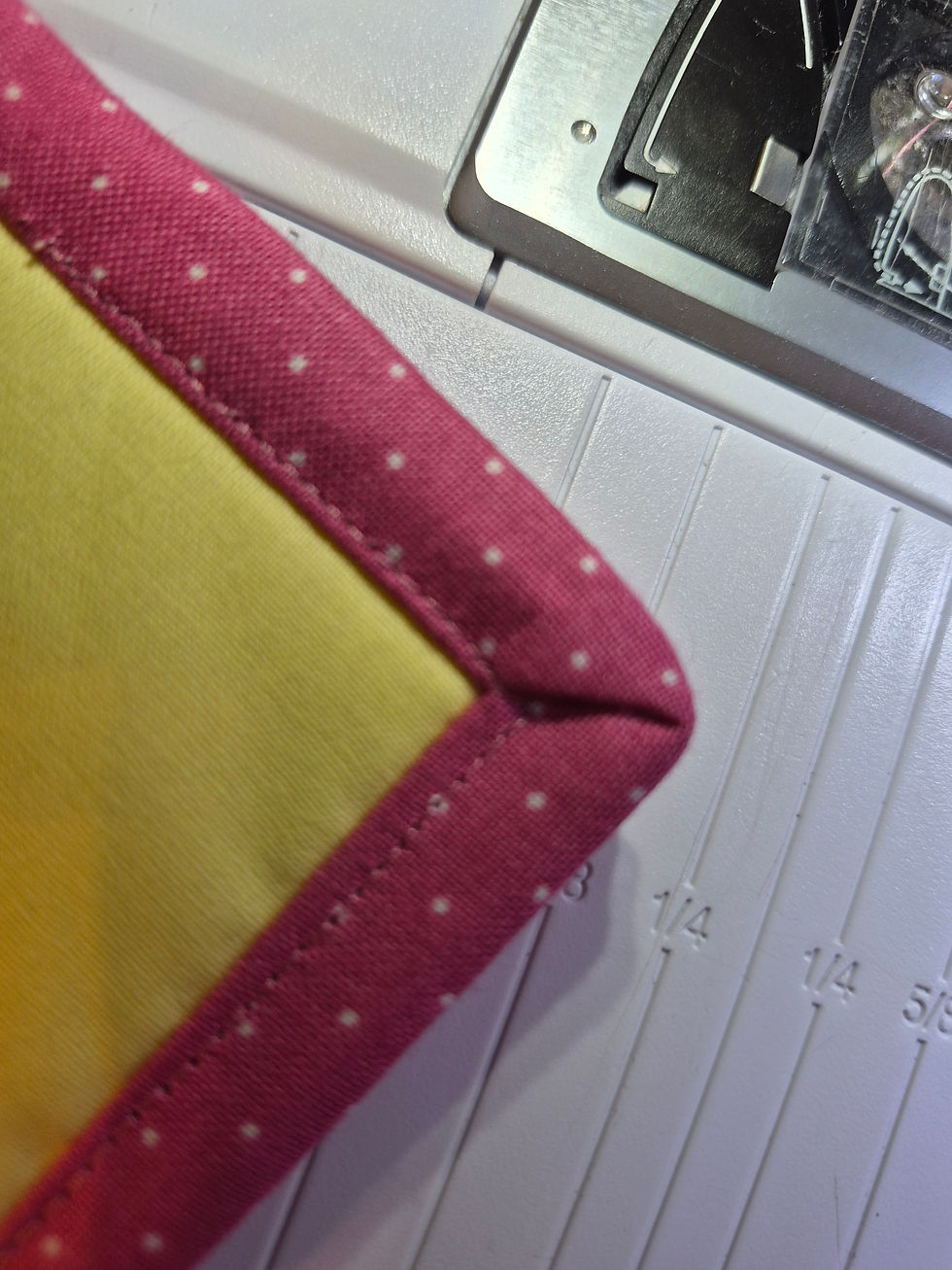
When you wrap the binding to the front, those folds naturally create a crisp mitered corner.
A tiny clip or binding clip can help hold everything in place while you stitch it down.


The use of a stilleto to help guild your quilt under the pressure foot and to tuck the fabric snug into the fold of the miter.
Confidence Corner ❤️
If your first corner isn't perfect, don't worry.
Every quilter has unfolded a corner and tried again. The nice thing about binding is that it's forgiving. Take your time, refold if needed, and remember that each quilt teaches you something new.
Progress—not perfection—is what builds confidence.

Closing
This wraps up our three-part machine binding series!
We've covered:
Attaching the binding
Joining the binding ends
Creating beautiful, mitered corners
Now you have everything you need to finish your next quilt with confidence.


Comments